Your avatar has been wearing the same outfit for months. We finally bought them some clothes.
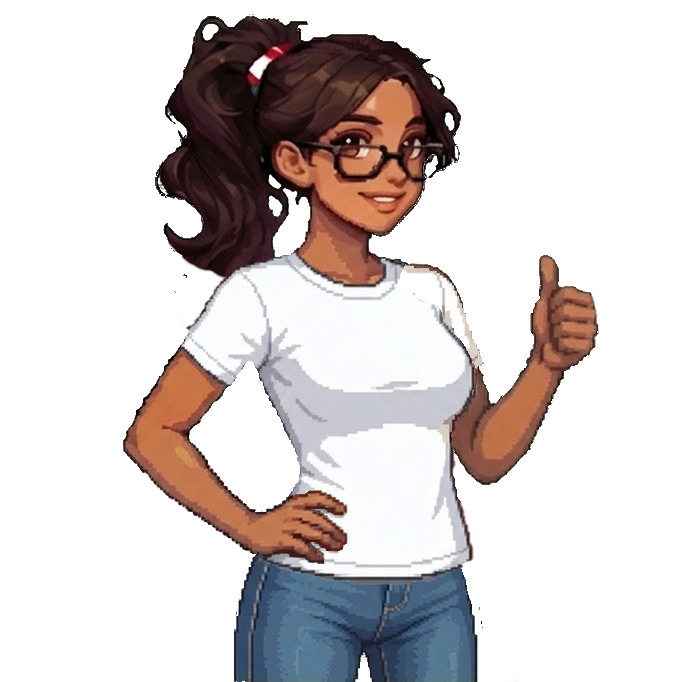
The Wardrobe is open in beta for Pro members, so Sofia can finally have a jeans-and-T-shirt day and the rest of the crew can get changed too. If you’re the person who spends two hours in character creation before starting a game, we may have created a problem for you.
The changing-room door is open
To join the beta, open Relationship Settings and turn on Try beta features. Then tap your avatar on the dashboard to open the Wardrobe. You can also find it under Settings > Personalization.
Wardrobe customization is available to Pro members during this beta. You’ll see a preview as you try things on, so you can change your mind as many times as you like before saving.
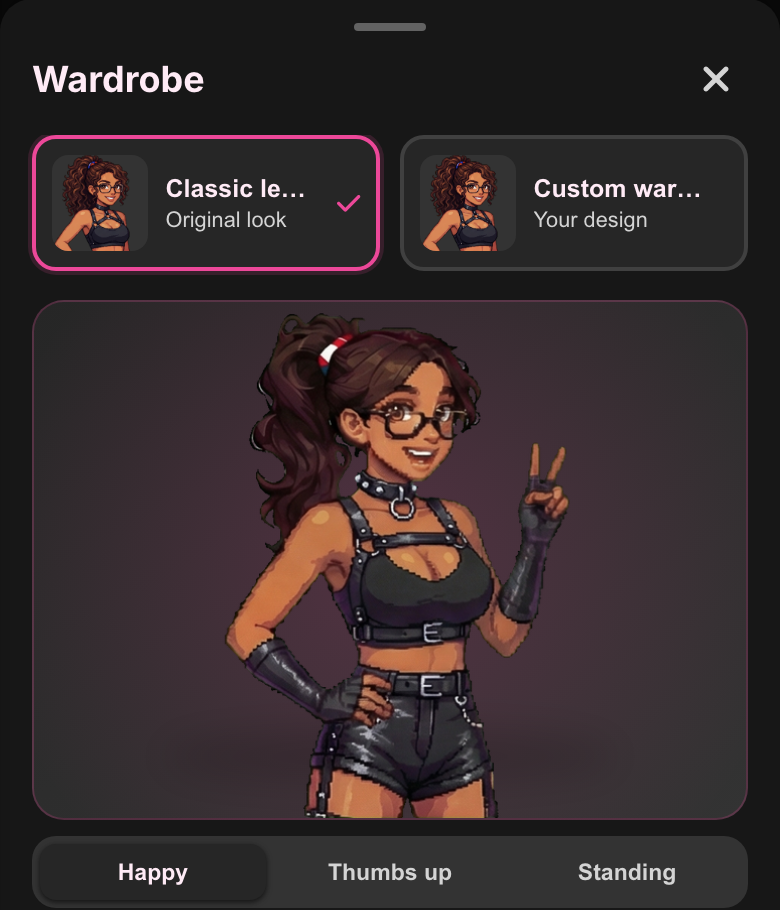
Same character. Entirely different energy.
Choose Custom wardrobe and start with a character. All nine are there, and you can keep the one you’ve been using while giving them something else to wear.
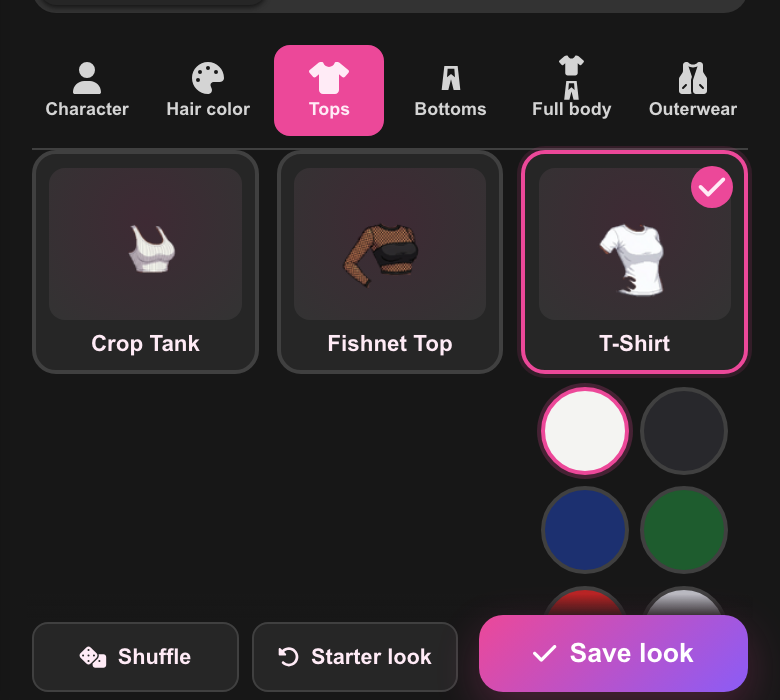
The clothing tabs let you try tops and bottoms, or go for a full-body look and add outerwear. Tap a piece to see it on your avatar, then try its color swatches. A white T-shirt and jeans is a perfectly respectable place to start, although we accept no responsibility for where you end up after twenty minutes.
Pink hair is a perfectly reasonable decision
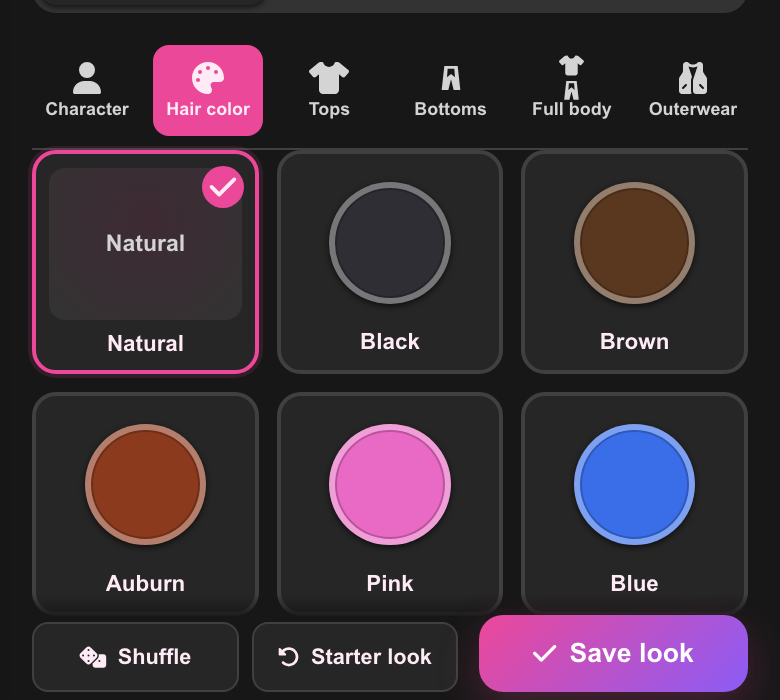
Hair color has its own tab, with seven choices to try. Keep the natural color or see what happens when you give your usual character pink hair. You can keep changing the outfit around it until the whole thing feels like yours.
There’s also Shuffle if you’d like the Wardrobe to make the first suggestion. Keep the bits you like and change the rest. Starter look gives you another place to begin if you’ve lost track of what you were going for.
Save the look, then show us
Hit Save look when you’re happy with it. Your saved outfit follows your avatar across SubTasks, and you can come back to the Wardrobe whenever you feel like changing it. The classic outfit is still there if you miss it.
This is a beta, so we’d like to hear about anything that looks off. If a sleeve does something a sleeve shouldn’t, send us a screenshot and tell us which character and outfit you were using. We’d also love to see the combinations you’re happy with.
Open the Wardrobe and go make questionable fashion choices.
Rob