
“I did it, I promise” is a fine thing to say. It is also a thing that has never once satisfied a Dom who needed to know for sure.
Photo Proof is here.
How it works
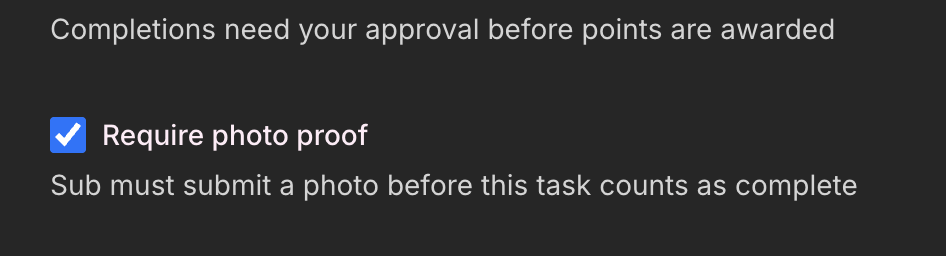
When creating a task, Taskers can now tick Require photo proof. That’s it. From that point on, the completion sheet won’t let the Taskee submit without attaching a photo. Camera’s right there. No photo, no completion.
If you leave it off, proof is still optional. A Taskee can attach a photo voluntarily if they want to show their work. The requirement just isn’t enforced.
The completion flow
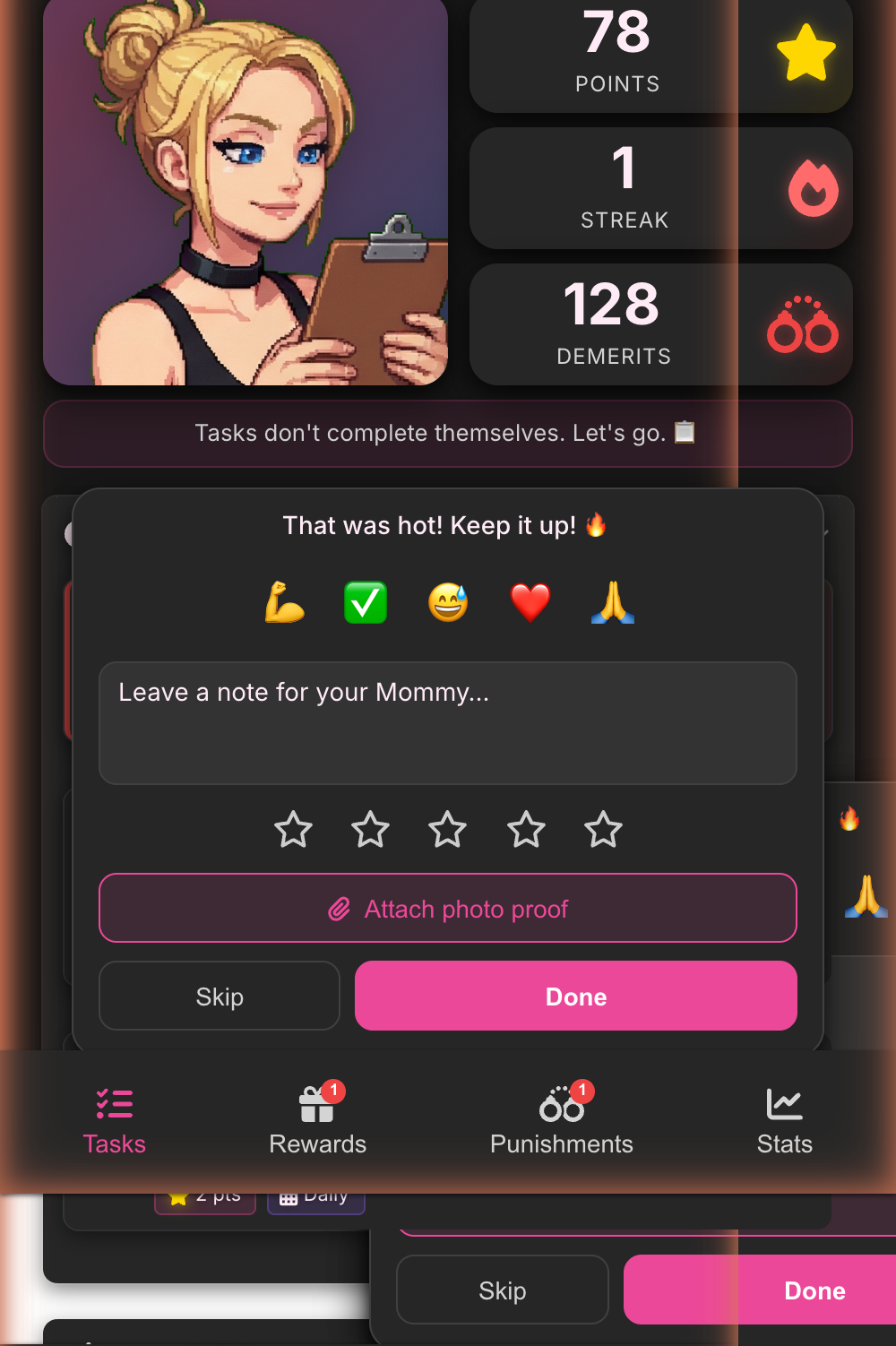
When a proof-required task comes up, the completion sheet surfaces the camera prompt. Taskee takes the photo, attaches it, task becomes completable.
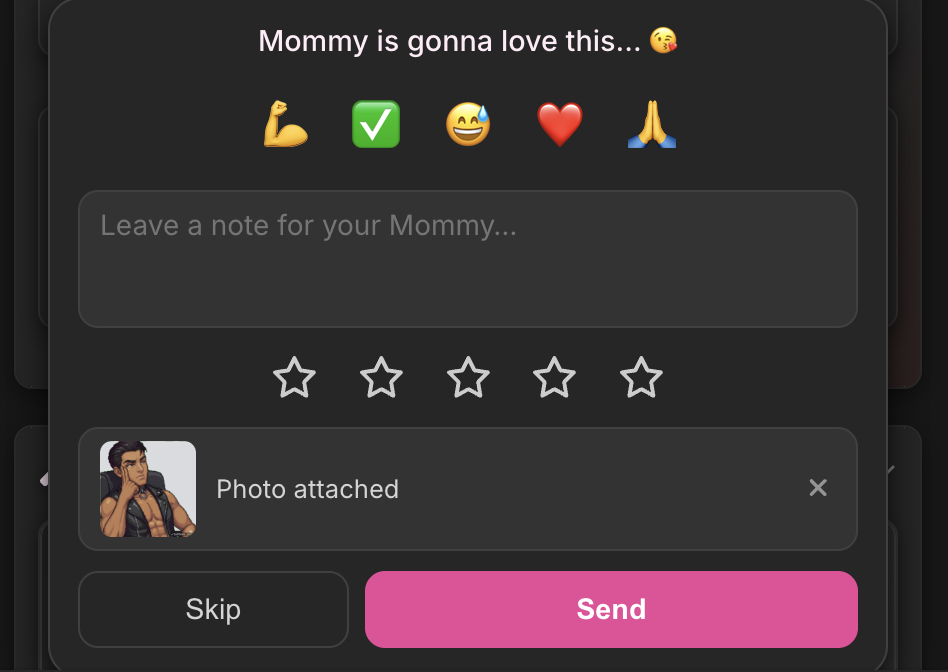
Once it’s attached:
Finding proofs after the fact
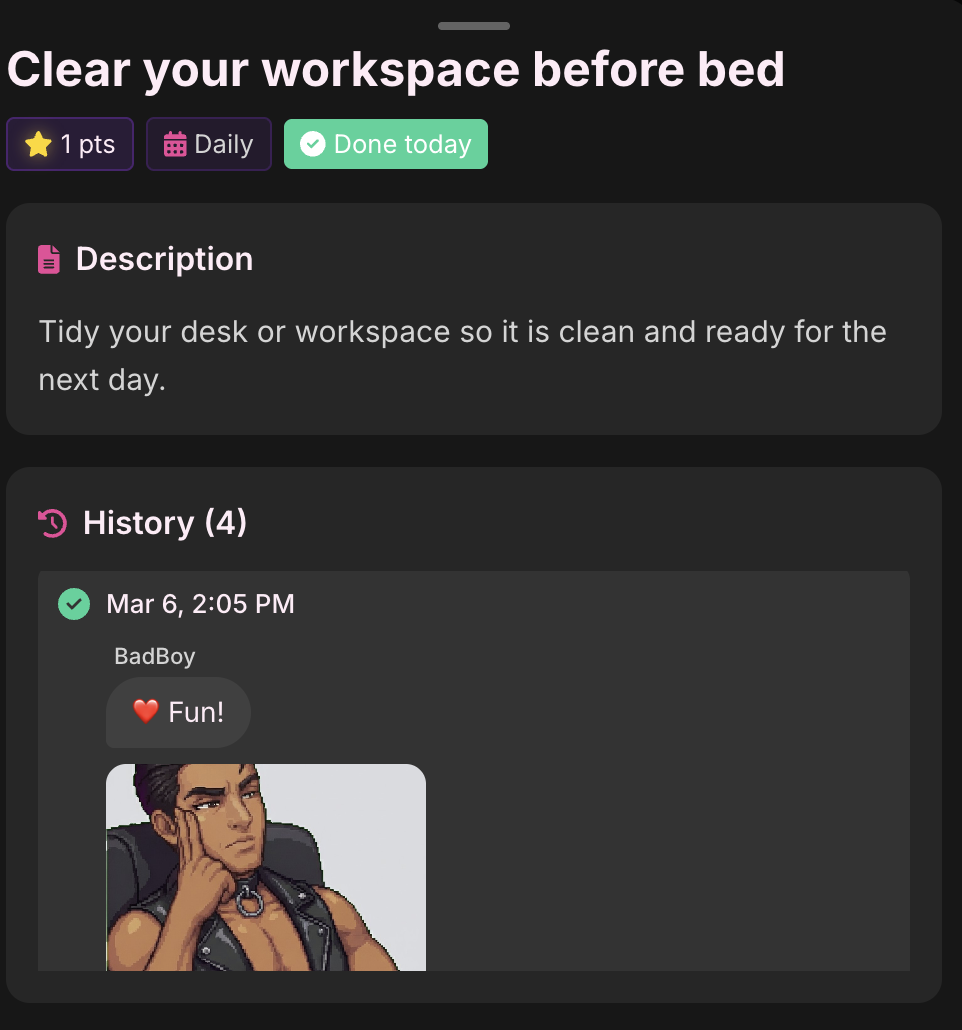
Completed cards with an attached photo get a small camera badge. You’ll see it on the task list. Easy to spot which completions came with receipts.
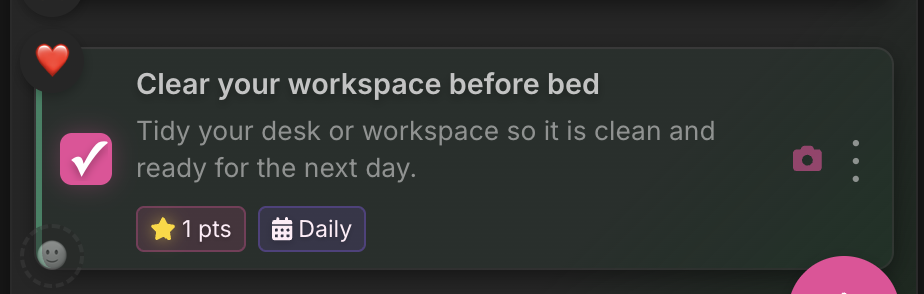
Tap the card to see the photo in task details. Tap the photo to see it full size.
Privacy
Photos are AES-256 encrypted, same as everything else in SubTasks. We can’t see them. Nobody can, except the two of you. Your dynamic, your business.
Questions or feedback: hello@subtasksapp.com