Your rules lived in a Google Doc. Your limits were in a text thread. Your packing list for that weekend was… somewhere. Probably.
This was always a little weird. You’re running an entire dynamic in SubTasks (tasks, points, rewards, demerits, the whole economy) and then tabbing out to Notes.app to check if “no marks above the collar” was a hard limit or a soft one. That feels like a scavenger hunt.
Notes are here. Look for the new tab.
Three types, zero complexity
Lists are ordered items. Rules & protocols, inventory, anything where sequence matters.
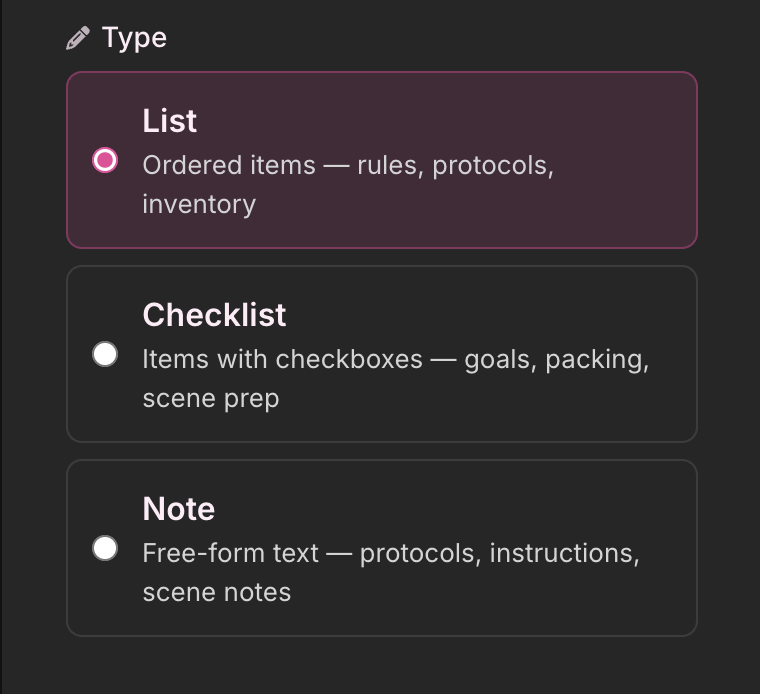
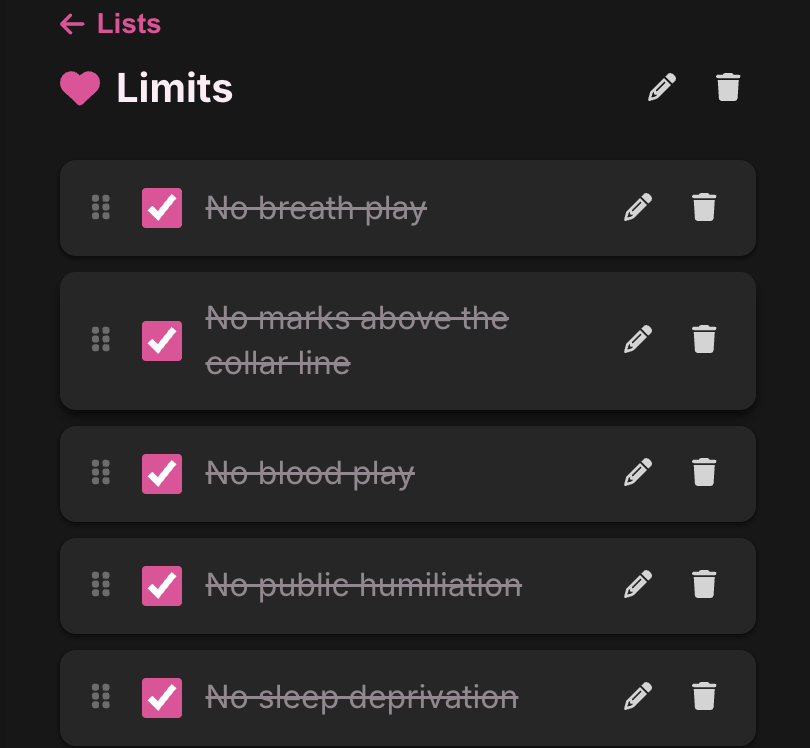
Checklists add checkboxes. Household chores, packing lists, scene prep, goals. Things you tick off together or independently.
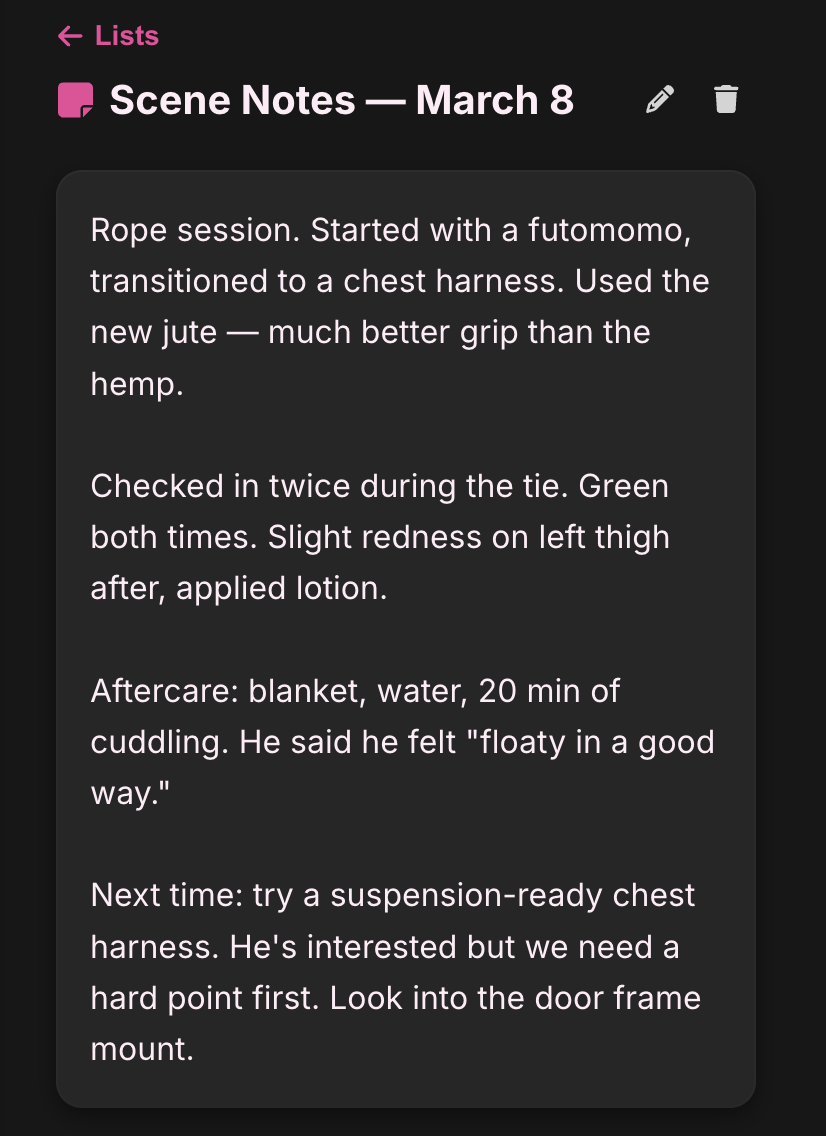
Free-form is freetext. Scene reflections, standing instructions, “things we talked about on Tuesday.” No structure, just write.
Quick starts
When you create a note, you’ll see starter chips: Rules & Protocols, Limits, Goals, Household. Tap one and it fills in the title, icon, and type. You’re not locked into anything; it’s just faster than staring at a blank text field wondering if “Protocols” should be capitalized.
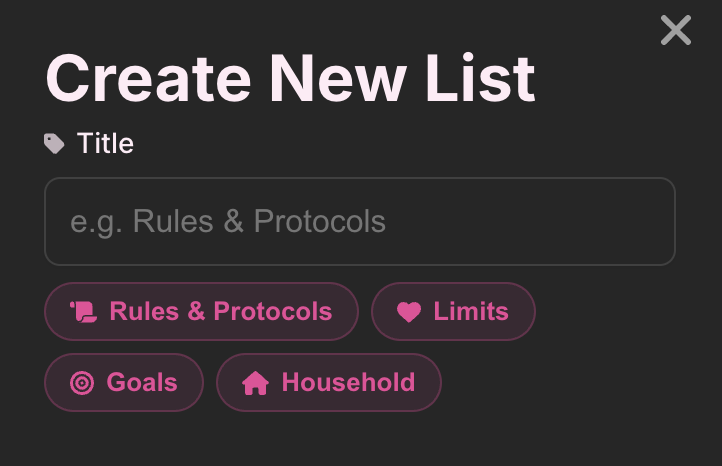
Empty starter notes also show a coaching prompt. “What rules matter in your dynamic?” isn’t us telling you what to write. It’s a nudge for the Doms who know what they want to say but haven’t sat down to say it yet.
Collaborative mode
Most notes are top-down. The Dom writes the rules, the sub reads them. That’s the default.
But flip on Collaborative and your sub can add items, edit them, and drag to reorder. They still can’t delete. That stays with the Tasker. This matters most for limits notes, where both people need to contribute, and for household checklists where “buy more rope” shouldn’t require a formal request.
Drag to reorder
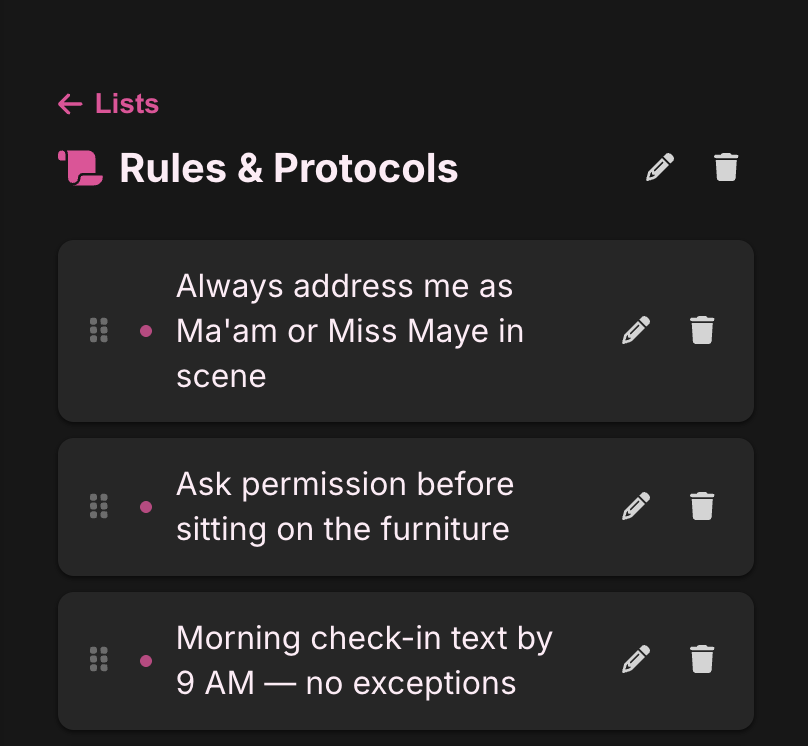
Long-press an item and drag it. Works on mobile, works on desktop. Because rule #3 should have been rule #1 and you knew it the whole time.
Privacy
Same encryption as everything else in SubTasks. AES-256-GCM, field-level, AWS KMS-managed keys. We can’t read your rules. We can’t read your limits. We especially can’t read your scene notes, and we are fine with that.
Questions or feedback: hello@subtasksapp.com