
Three things shipped this week. All of them came from user feedback.
Day-of-week scheduling
“My sub goes to the gym Mon/Wed/Fri. Why does the gym task show up on Tuesday?”
Fair point. Daily tasks can now be restricted to specific weekdays. Tap the days you want, and the task only appears on those days. Everything else adjusts automatically: demerits skip off-days, reminders skip off-days, perfect week calculations skip off-days. No more “I couldn’t do this because it was Saturday” conversations.
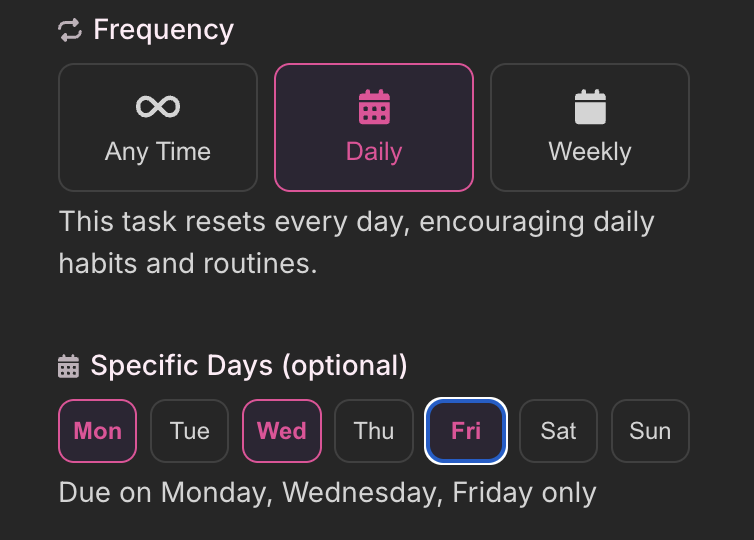
Set it when you create or edit any daily task. If all seven days are selected, it behaves like a normal daily task.
Taskee permissions
Not every Dom wants to be the only one building the task list. Some dynamics work better when the sub can suggest tasks, stock the reward shop, or set up their own punishments.
Three new toggles in Relationship Settings:
- Manage Tasks - create, edit, and delete tasks
- Manage Rewards - create, edit, and delete rewards in the shop
- Manage Punishments - create, edit, and delete punishments
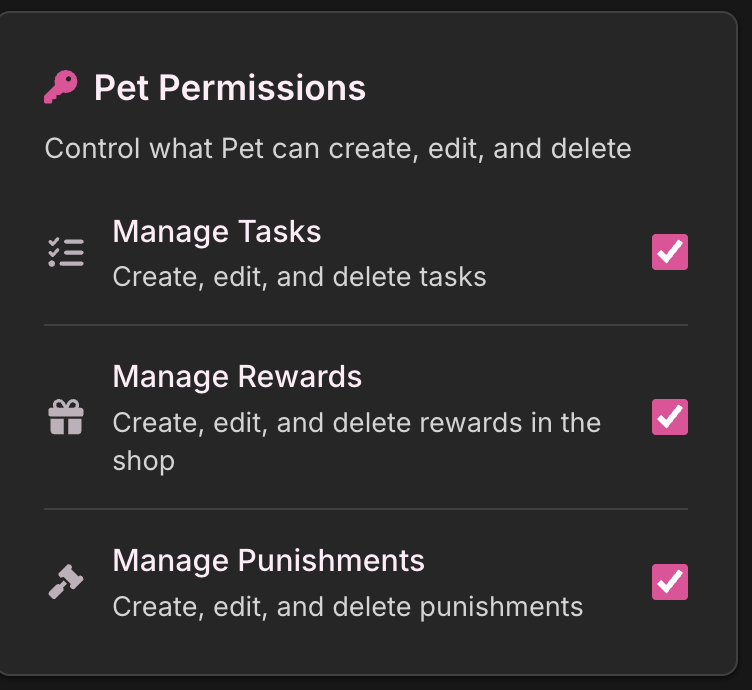
All off by default. Turn on what makes sense for your dynamic. The Tasker always has final say - these don’t remove any of your control, they extend it to your sub.
Mood status
Sometimes the most useful thing a sub can communicate isn’t a task completion. It’s “I had a rough day” or “feeling good today.”
Taskees can now set a mood - pick an emoji, add a short note. It shows up on the Tasker’s dashboard as a small indicator next to their name. Tap it to see the full status and when it was set.
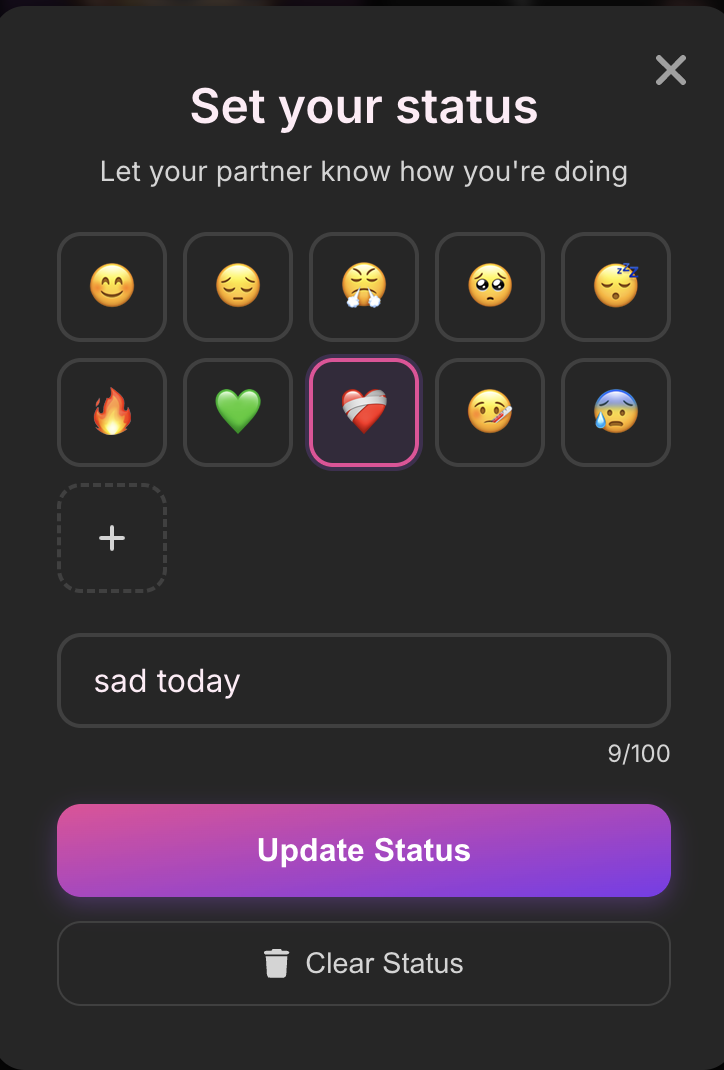
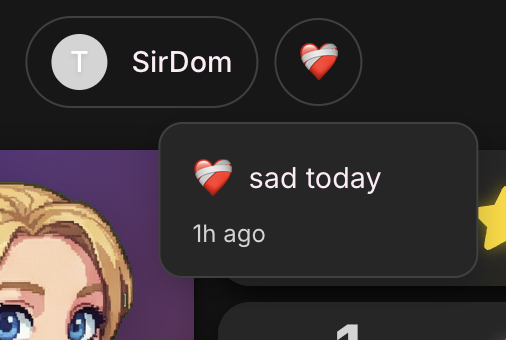
No history, no tracking. Just a quick “here’s where I’m at right now.” Clear it whenever.
Questions or feedback: hello@subtasksapp.com