
We’ve been shipping so fast we forgot to actually announce things. Classic. Here’s the catch-up.
Chat (Pro)
You assign a task. Your sub completes it. You want to say something about it. Before now, that meant alt-tabbing to iMessage, losing the context, and hoping they know which task you’re talking about. Not great.
Chat lives inside SubTasks now. Messages sit right next to task completions, validations, and system events in one timeline. You see what happened, you talk about it, you never leave. Simple.
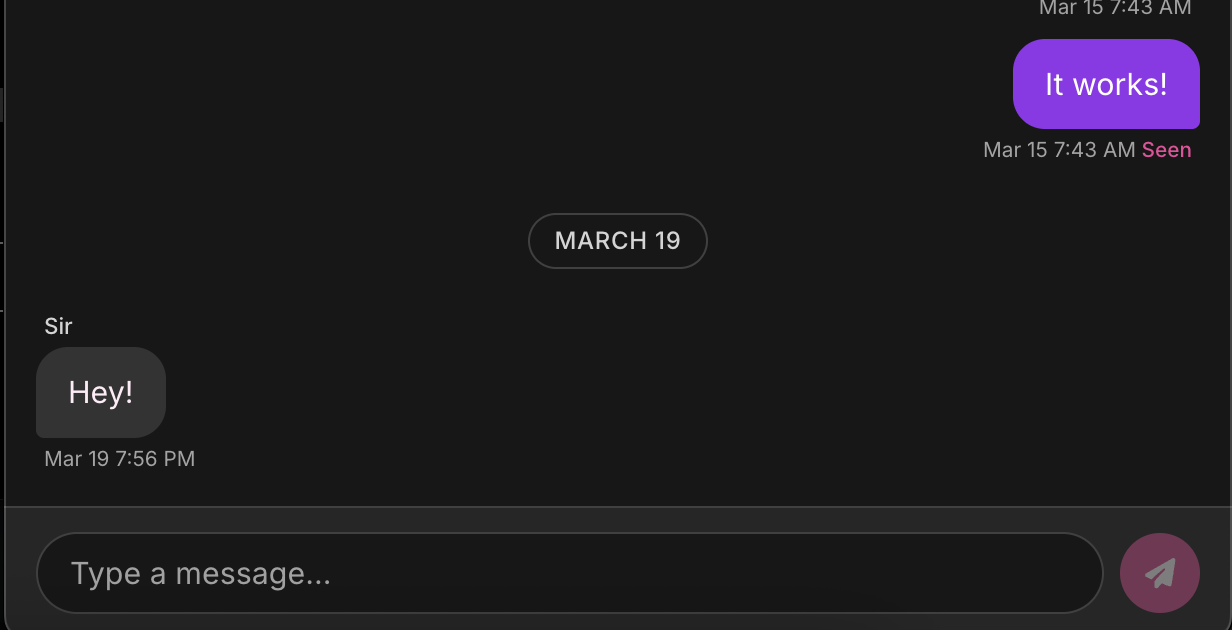
Read receipts are on. You’ll know if they read it. They’ll know if you read it. Act accordingly.
Pet names, not usernames. Set your partner up as “Sir” or “kitten” in relationship settings and that’s what shows up in chat. Not their email. Not their username. The name that actually matters.
Encrypted. AES-256-GCM, field-level, same as everything else in SubTasks. We can’t read your messages. We don’t want to.
Chat is a Pro feature. Upgrade any time in Settings if you haven’t already.
Task Kits
You spent weeks tuning your economy. The point values, the reward prices, the punishment thresholds. Maybe months. That’s real game design, and until now if you wanted to start fresh or try a different structure, you were rebuilding from scratch.
Task Kits let you save your entire setup - tasks, rewards, punishments, all of it - as a reusable package. Want to experiment with a different economy? Save your current one first. Starting a new dynamic? Load your Kit and you’re back in business. You can also share it with someone who wants a head start instead of staring at an empty screen.
The Kit Portal
Kits also have a public home at subtasksapp.com/kits. Browse economies built by other Taskers, filter by experience level, vibe, and dynamic style. Found something good? Import it into the app and cherry-pick the parts that fit your dynamic. Skip the rest.
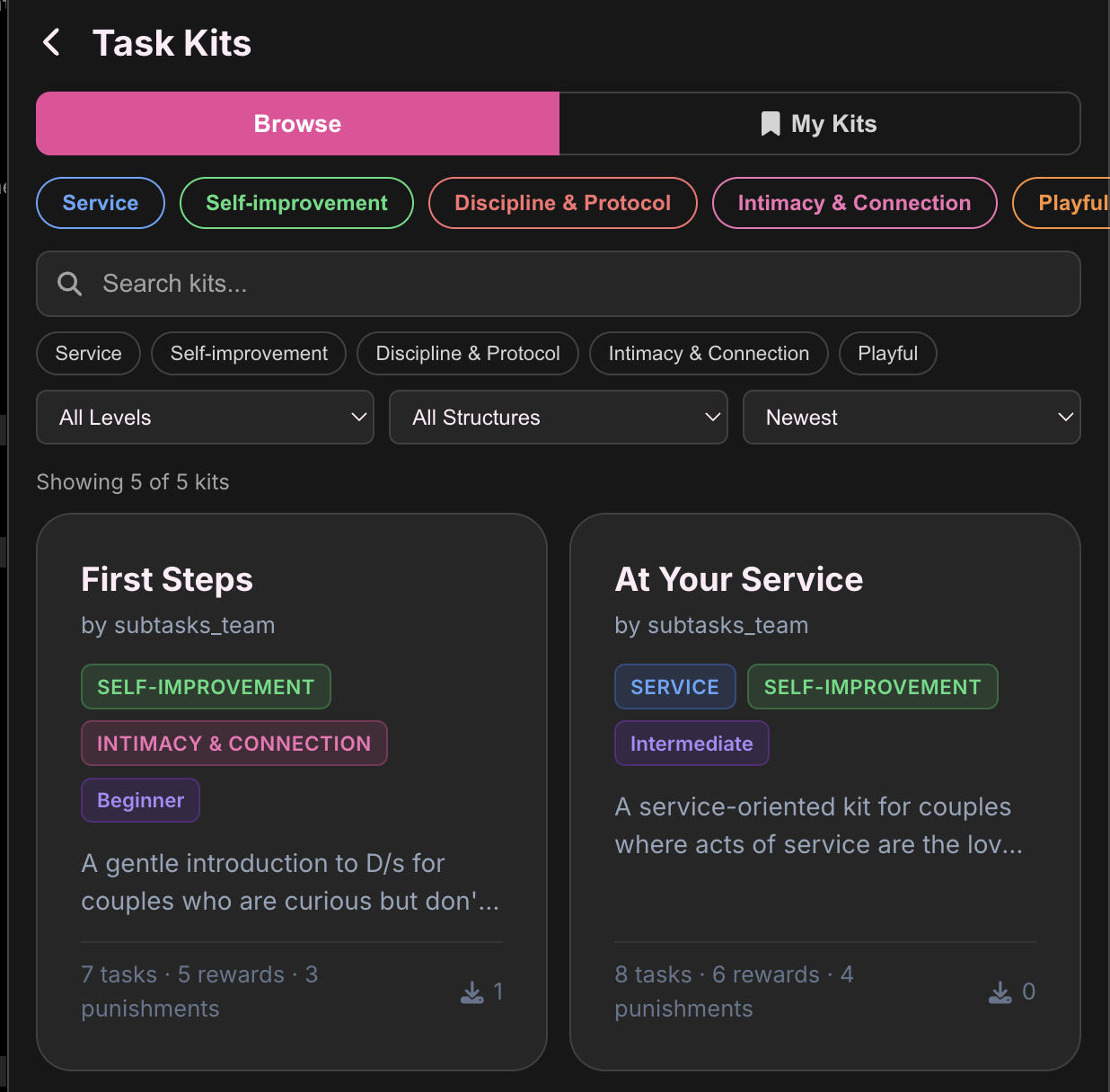
This is the front door for new Taskers who want to see what a well-designed economy looks like before they build their own. And for experienced Taskers who want to see how other people solve the same design problems.
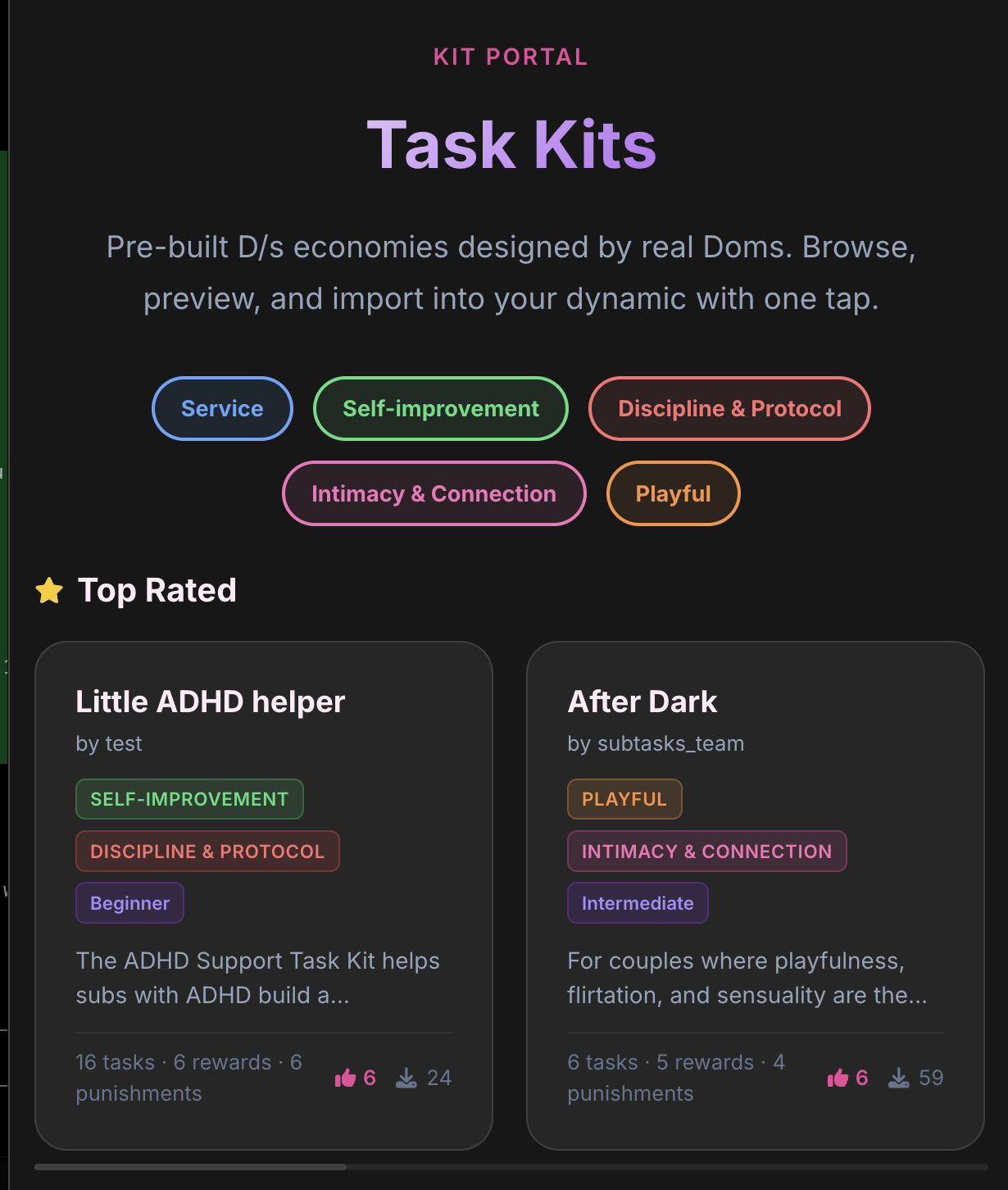
Publishing is optional. Keep yours private, share by link, or go public. But if you’re proud of your setup, put it out there. Include a designer’s note. You built a game for someone you care about. Own it.
Sort and Reorder
Sort by date, points, or alphabetically. Or go full control freak with Custom Order and drag everything exactly where you want it.
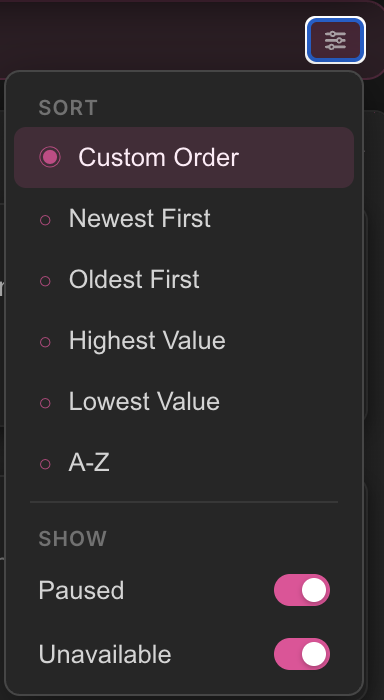
Custom Order is sticky. Once you arrange things the way you like, they stay put until you say otherwise. Switch back to any automatic sort whenever you want.
Bug fixes
We also squashed a truly unreasonable number of bugs. Things that were weird are now not weird.
Questions, feedback, or Kit recommendations? hello@subtasksapp.com. We read everything.