We went quiet for a few weeks. This is why.
Boss raids hit Discord
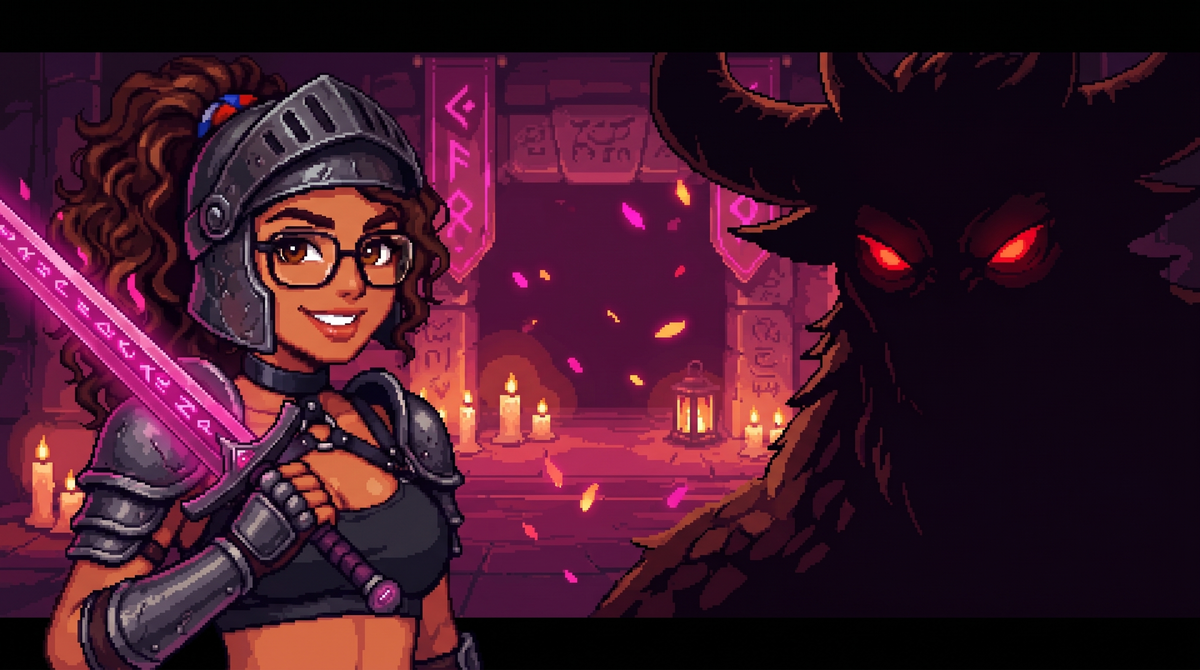
Here is the pitch, and it is not a metaphor: your tasks now deal damage to demons.
Boss Raids are opt-in community events in the SubTasks Discord. Sofia drops a shared boss, you join the hunt, and the tasks you actually complete in the app are what take it down. The whole crew chips at the same boss together. Tasker and Taskee on the same side, which does not happen often around here.
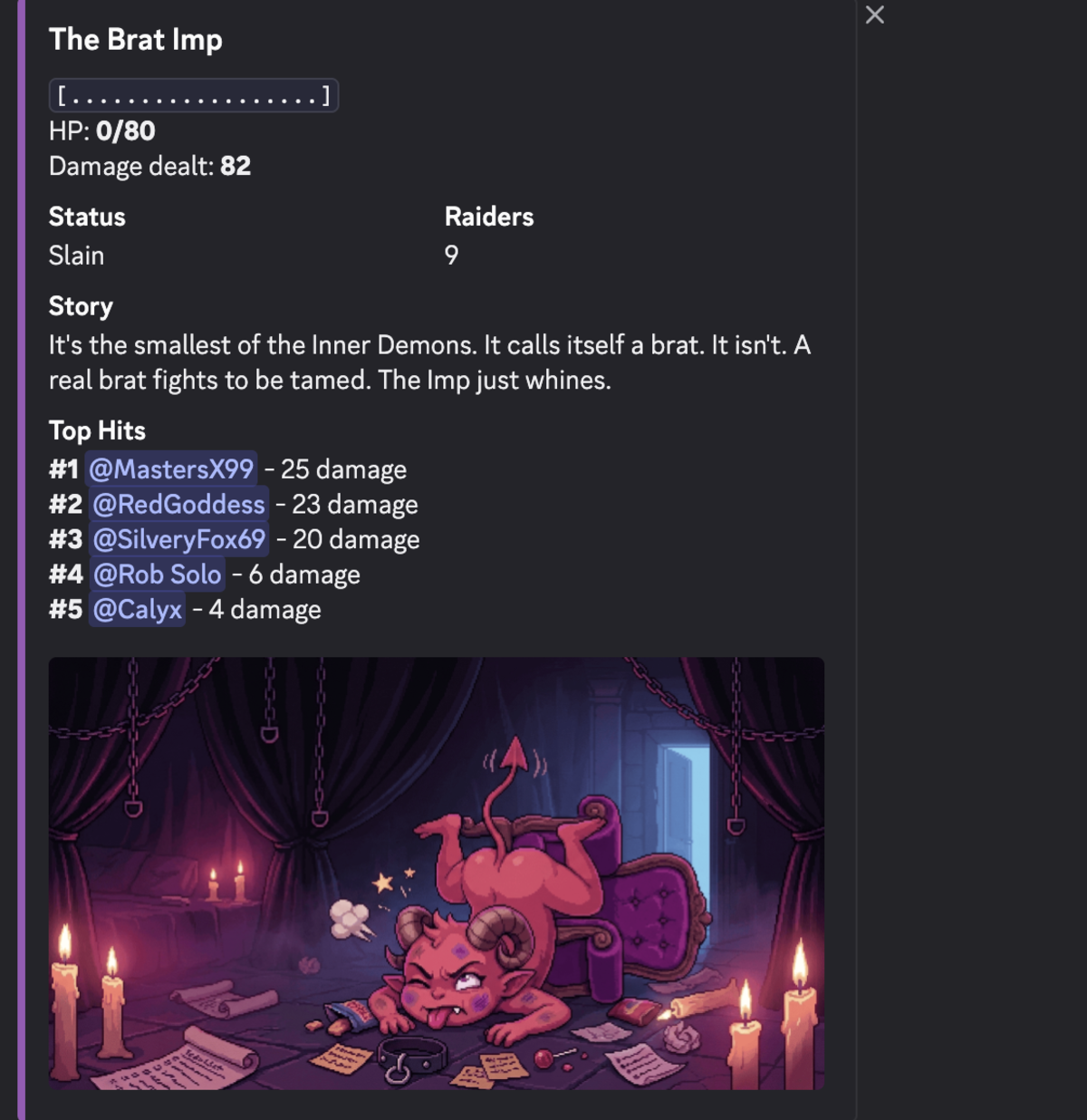
The first season is The Inner War. The bosses are not monsters from somewhere else. Each one is a way a dynamic quietly falls apart: the task that sat one more day, the agreement that softened, the rest day that became a rest week. You beat them by doing the thing they feed on not getting done.
Your SubTasks data stays private. Joining a raid is the only thing you opt into, and nothing about your tasks, your partner, or your dynamic shows up in Discord. You just get to watch the boss’s health drop with the rest of the crew.
Joining a raid is a Pro perk for now. If you are Pro, you can jump into the current hunt today. Everyone else can still watch the crew work.
Join the crew if you are not in the server yet.
Select many, act once
You had thirty tasks and the only way to deal with them was one tap at a time. Open the menu, delete, confirm, repeat. By task five you have given up.
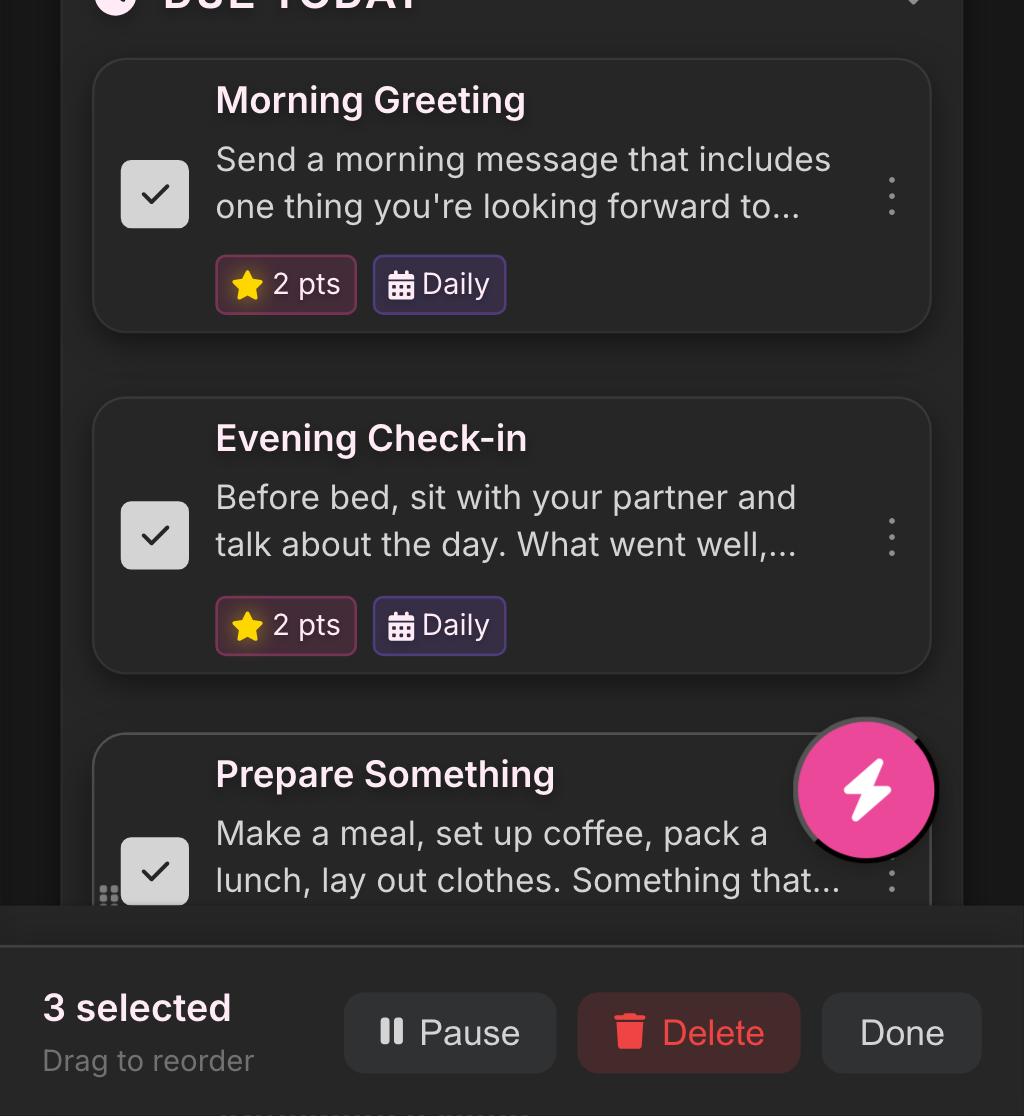
Press and hold any task, reward, or punishment to drop into select mode. Tap as many as you want, then pause, delete, or resume the whole batch at once. The pile of half-finished “test task 4” entries you swore you would clean up is now a thirty-second job.
Challenge tasks, rebuilt
Challenge tasks were the oldest, creakiest corner of the app, and they never quite worked the way you expected. So we rebuilt them.
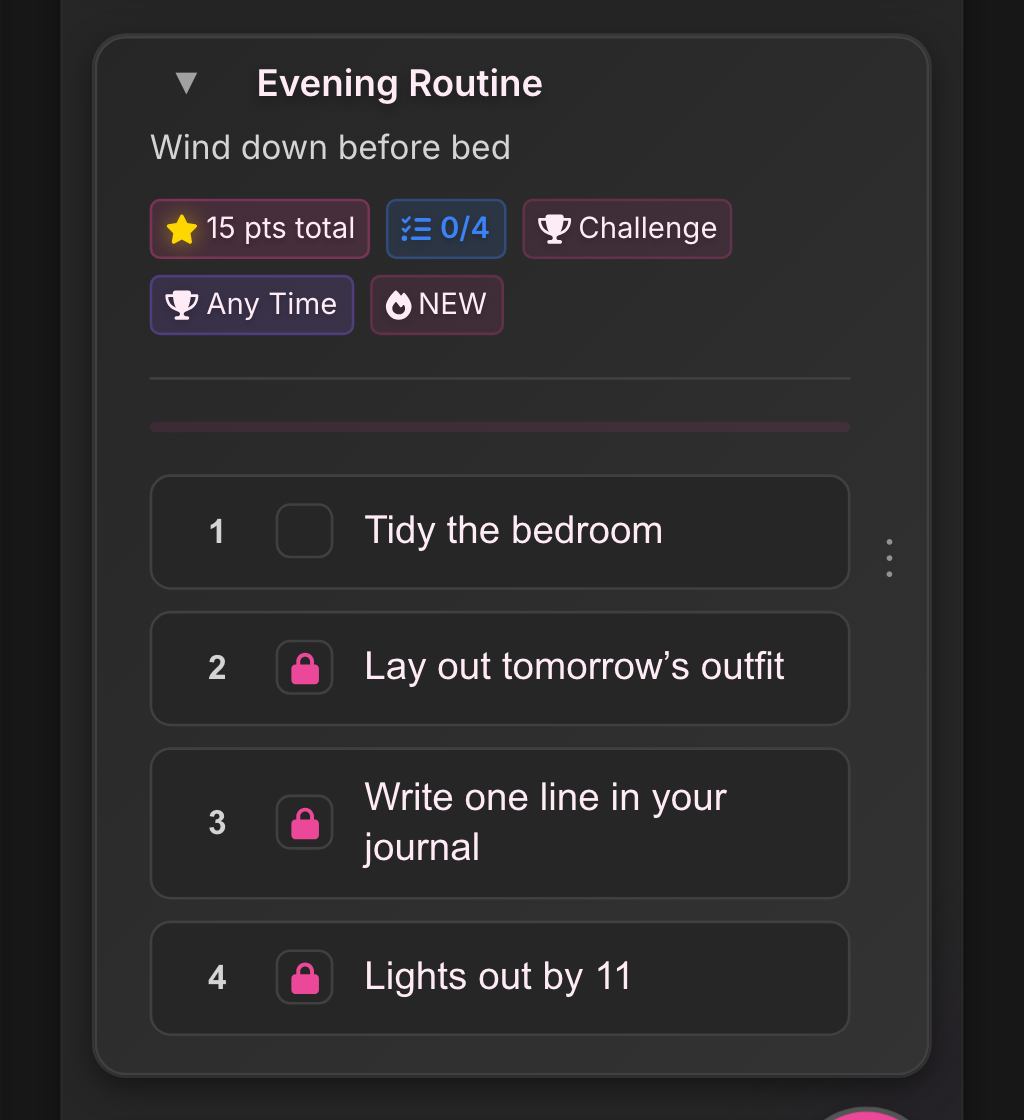
A challenge is a single task made of steps, and now the steps behave. Two things Taskers can do that they could not before:
- Lock the order, so the steps happen in sequence. No jumping to the easy one first.
- Reveal one step at a time, so the next move stays hidden until the current one is done.
If you have ever wanted to assign something with a build to it, a routine, a protocol, a sequence where the order is the point, this is the tool for it.
Agreements: put it in writing
Every dynamic has the conversation. What this is, what the rules are, what happens when one gets broken. A month later nobody agrees on what was actually agreed.
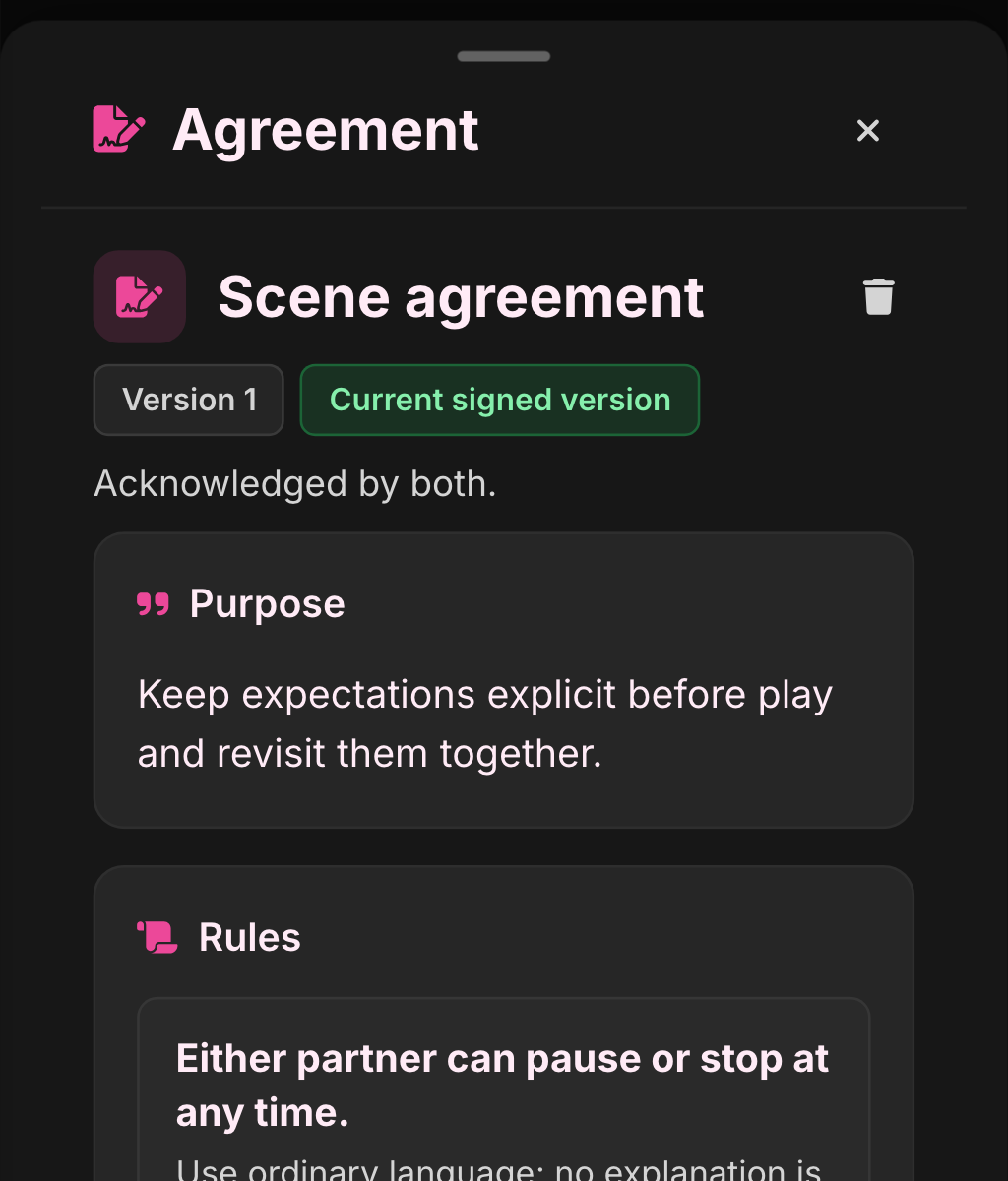
Agreements live in the Notebook, next to your journals. Each one is a simple shared document: a purpose, the rules, the consequences, and a date to revisit it. Both partners sign off, so it is something you decided together, not something one of you half-remembers. Change it later and you both sign again.
It is as light or as serious as you want. One rule or twenty. Both are fine.
Desktop got the redesign it deserved
If you have been running SubTasks on a big monitor and silently judging us: we knew. The app was a phone screen stretched wide and it showed.
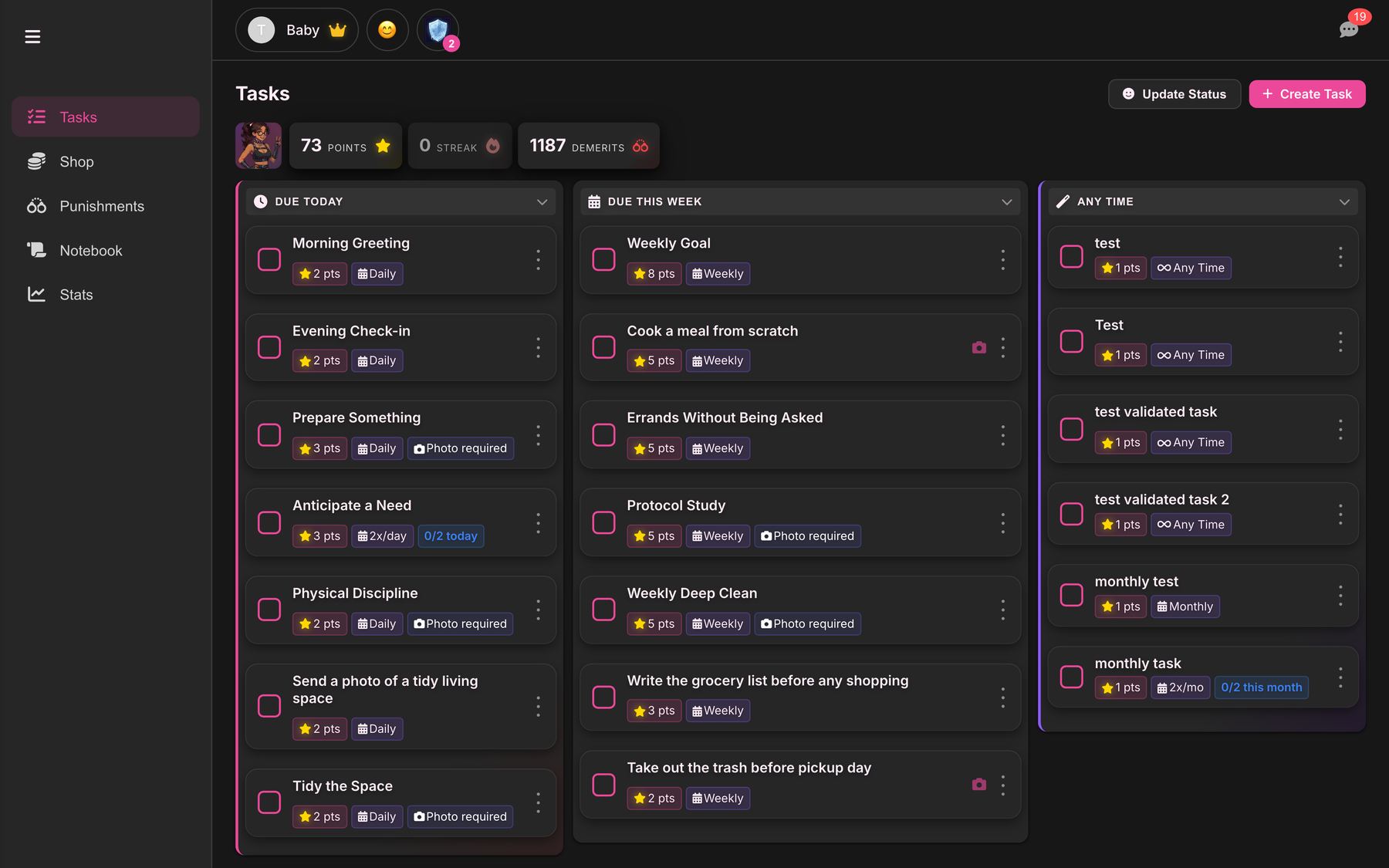
Every tab now has a real desktop layout. More of your dynamic visible at a glance, less scrolling, less wasted space. If you only use the app on your phone, nothing changed. If you use it on a laptop, it finally feels built for one.
Bugs. Lots of bugs.

We also squashed about fifty of them this cycle. Crashes, timeouts, sync glitches, that one notification badge that refused to clear.
You will not notice any of these fixes, and that is the point. The app you open today is more stable than the one you opened a month ago.
That is the update. Questions, feedback, or your thoughts on any of it: hello@subtasksapp.com. We read everything.
— Rob