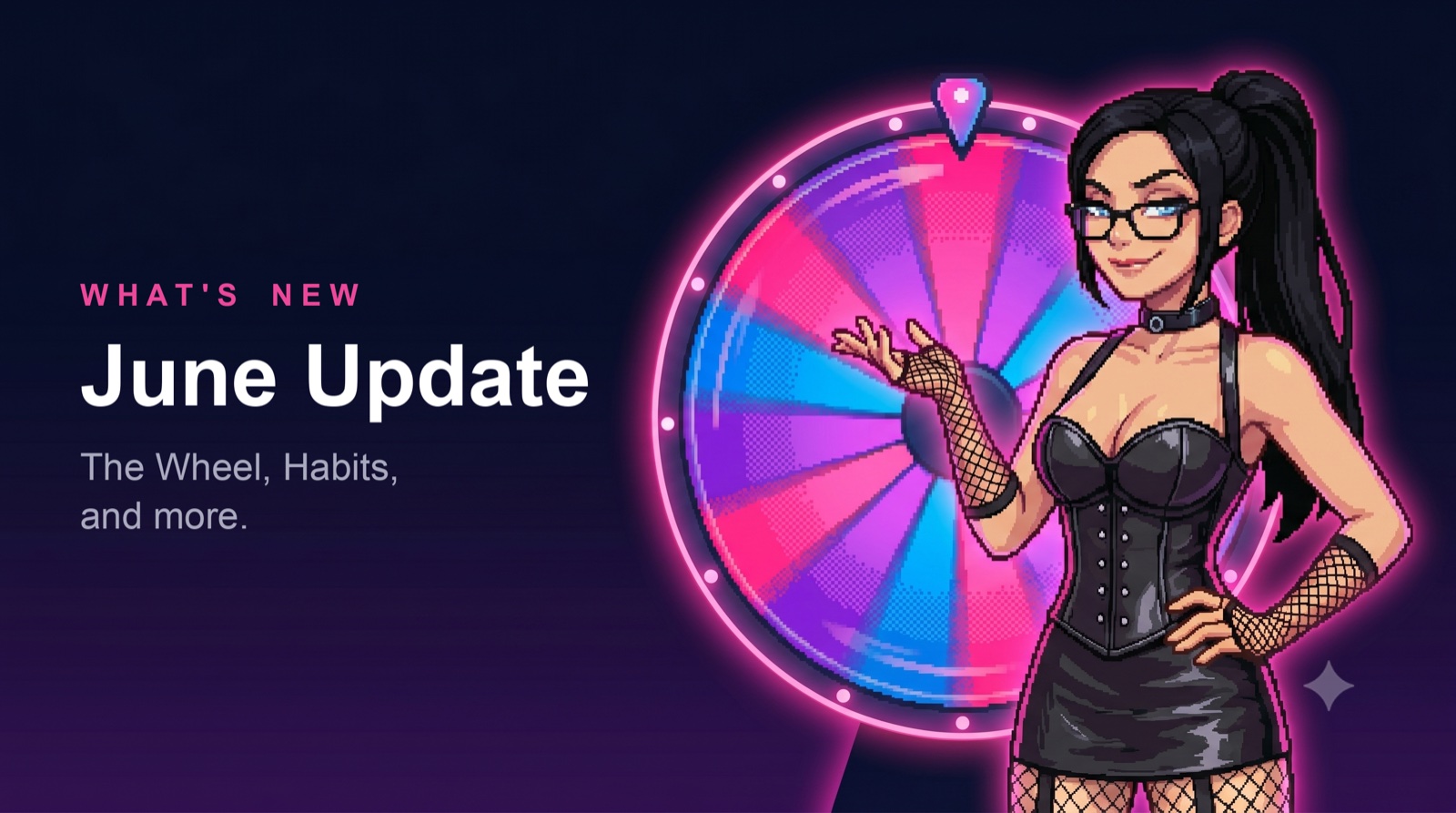
A few weeks back we handed Pro folks a batch of new features to kick the tires on. They held up, so now they belong to everyone. Here is what landed, starting with the Wheel.
The Wheel
Some of the best moments in a dynamic come from not knowing what is coming. The Wheel is built entirely around that.
A Tasker arms a wheel with outcomes: rewards, punishments, or a mix of both on the same wheel. Then they send it, and the spin gets handed over to chance. The Taskee taps, the wheel turns, it lands, and whatever it lands on is what happens. No negotiating, no choosing the easy one, no take-backs.
There are two ways to run it. Leave every slice visible and the anticipation does the work, you watch all the things that could happen to you go by and you stew over each one. Or switch on mystery mode and the wheel spins completely blind, you do not see a single outcome until it has already landed. That gap between the tap and the result is the entire feature.
Everyone can spin. Free dynamics get one wheel a week, which is enough to make it an event. Pro dynamics arm as many as they want, and can also drop a wheel onto a task as its success or failure outcome, so finishing the task triggers a spin instead of a fixed reward. Complete the chore, spin to find out what you earned. Miss it, spin to find out what it costs.
Habits and the Task Manager, now for everyone
These two shipped to Pro first. They are now live in everyone’s app.
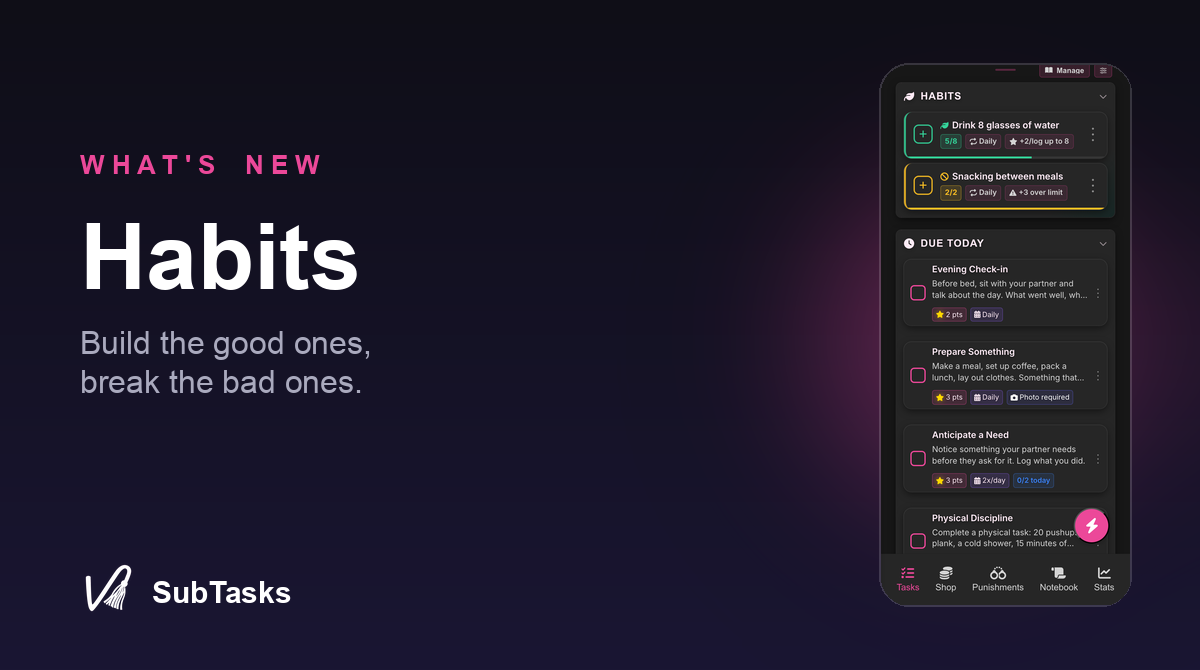
Habits are for the things that genuinely repeat. Water intake, a nightly check-in, a bad habit somebody is cutting down. Each one gets a target over a window you pick: so many times a day, a week, or a month. Reward the ones worth building, attach consequences for the ones worth keeping in check. Taskees log them, Taskers review, and rewards are capped so a habit you can log ten times a day never becomes a points printer. There is a deeper writeup here.
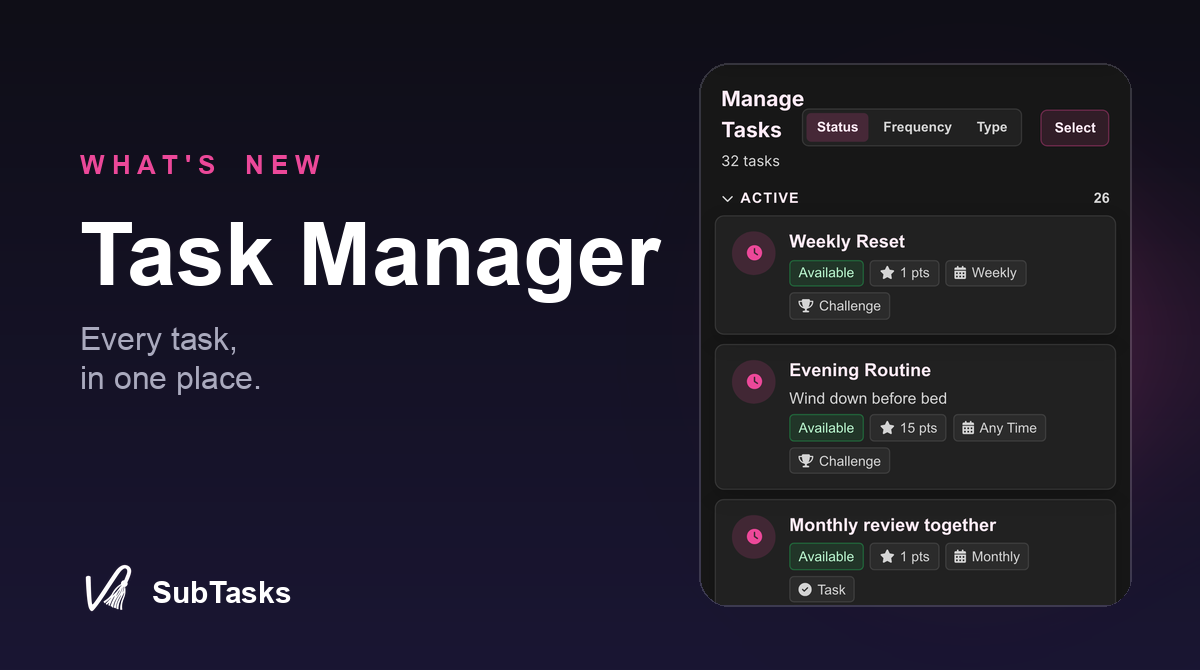
The Task Manager is for Taskers drowning in tasks. The daily view is great for five tasks and miserable for forty. The Task Manager puts every task you have ever made in one place, grouped by status, frequency, or type, sorted however your brain works. It is the tool for the people actually running an economy, not a to-do list.
Limits and desires, where the task gets made
Every dynamic has the conversation about what is on the table and what is not. The problem is usually where that conversation lives: a chat thread from three weeks ago, a doc nobody opens, somebody’s memory. Almost never in front of the Tasker at the exact moment they are building a task.
Now it is. Taskees keep two lists. Their limits are the hard nos, the things that are off the table. Their desires are the opposite, the stuff they actually want more of.
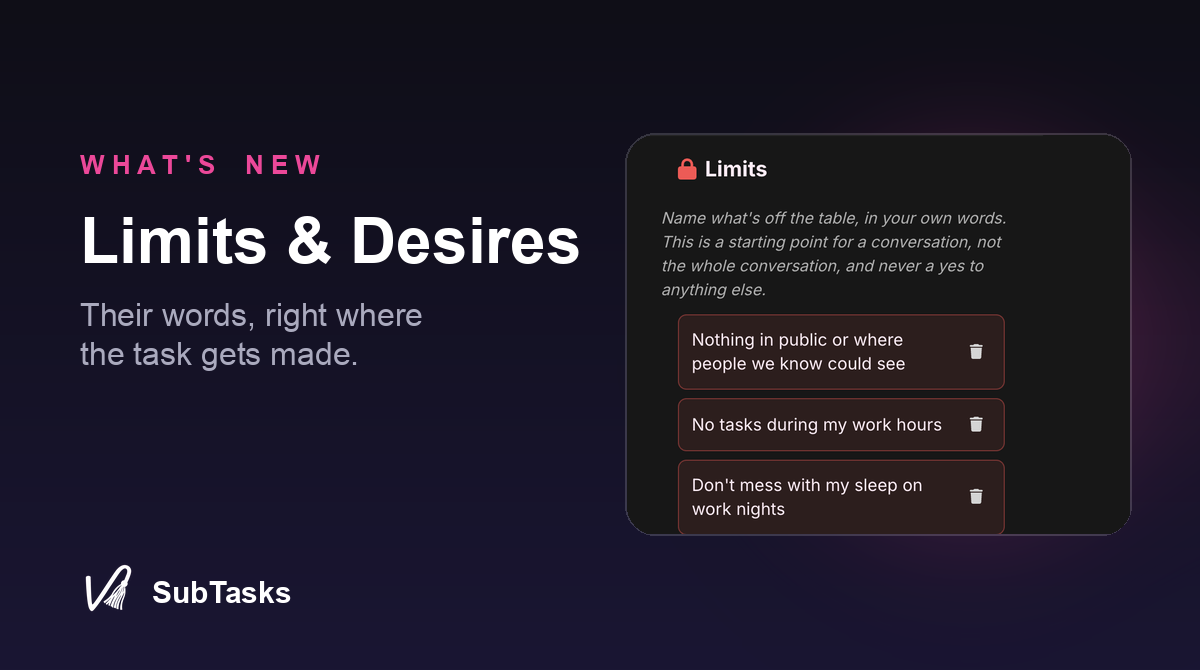
When a Tasker sits down to design a task, both lists are right there in the form. The limits stay in plain view the whole time, quiet and non-negotiable, a guardrail you cannot miss. The desires are tucked behind one tap, and tapping one drops it straight into the task as a starting point. The app does not police anything or block anything. It just puts the Taskee’s own words in front of the person making the decisions.
The lists are the Taskee’s own. They write them, edit them, control them. Free for everyone.
Discreet mode
Not every home screen is private. A roommate, a coworker glancing over, a kid who grabs your phone to play a game. A bright pink SubTasks icon sitting on your first screen is a conversation you might not feel like having.
Pro users can change the app icon now. There is a low-key dark version, or you can go quieter still with an icon that looks like a plain notes app or a generic checkmark. At a glance, it is just another productivity app in the pile.
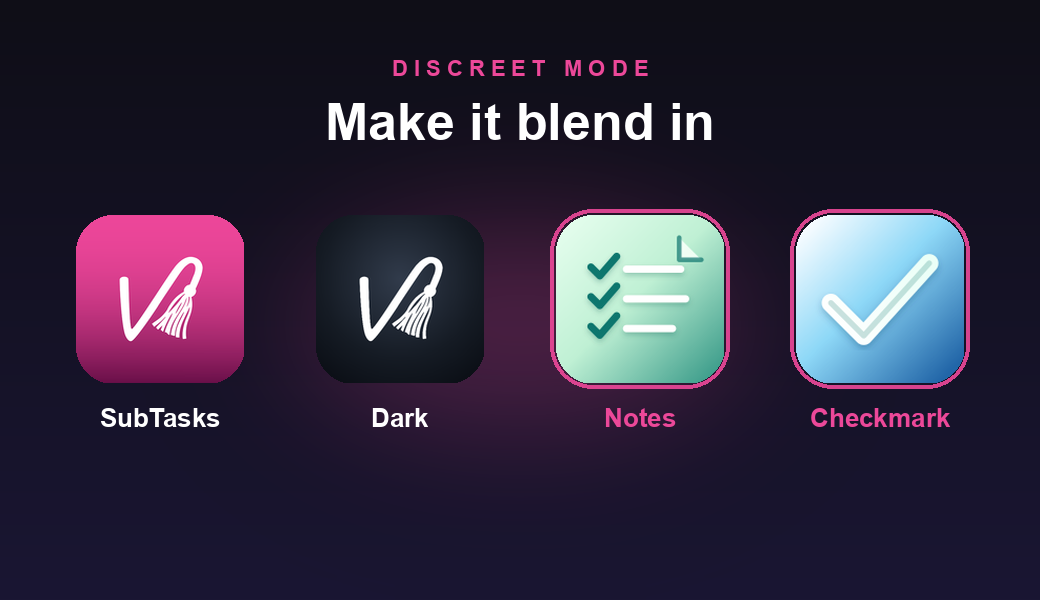
One honest caveat: on both iPhone and Android the icon changes, but the name underneath stays “SubTasks.” So it is a glance-level disguise, not witness protection. Still, a notes icon parked on your third home screen draws a lot less attention than a pink one on your first.
A few smaller things
- Pick a better name. The username you typed in a hurry the night you signed up is no longer a life sentence. Change it whenever you want, in Settings.
- A setup checklist for new dynamics. A fresh app opening to a blank screen is rough. New dynamics now get a short checklist that turns “what do I even do here” into a few clear first steps.
- Bugs. The usual cleanup, the kind you only notice by their absence.
That is the drop. Questions, feedback, or your thoughts on any of it: hello@subtasksapp.com. We read everything.
- Rob